Exploring Key Features of Troupier#
This document provides a brief walkthrough of the main sections and features available on the Troupier platform, including the homepage, library, shared pages, pack kit, and organization settings.
Step 1: Review the Homepage and Video Library#
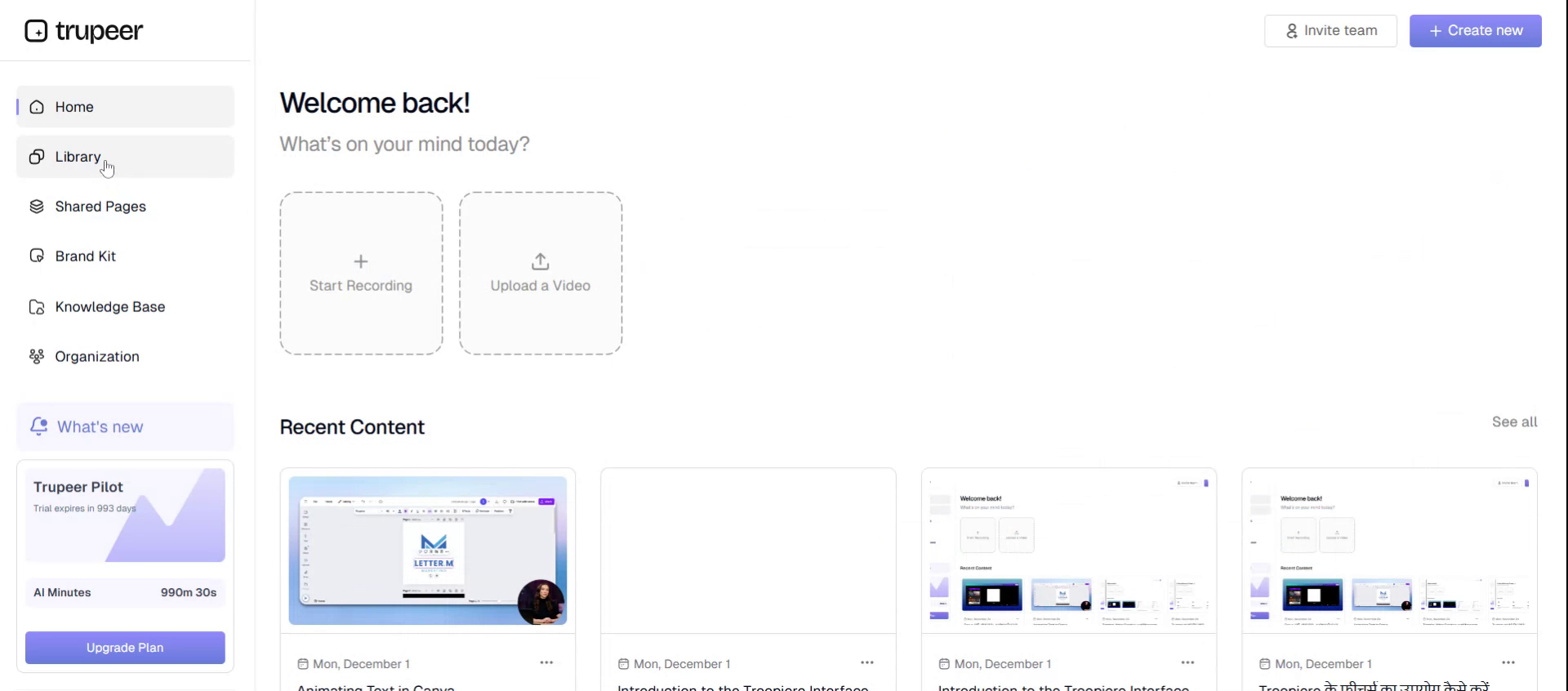
From the Troupier homepage, you can see the videos you have created and access your content library, where all your created pages are listed.
Step 2: Access and View Shared Pages#
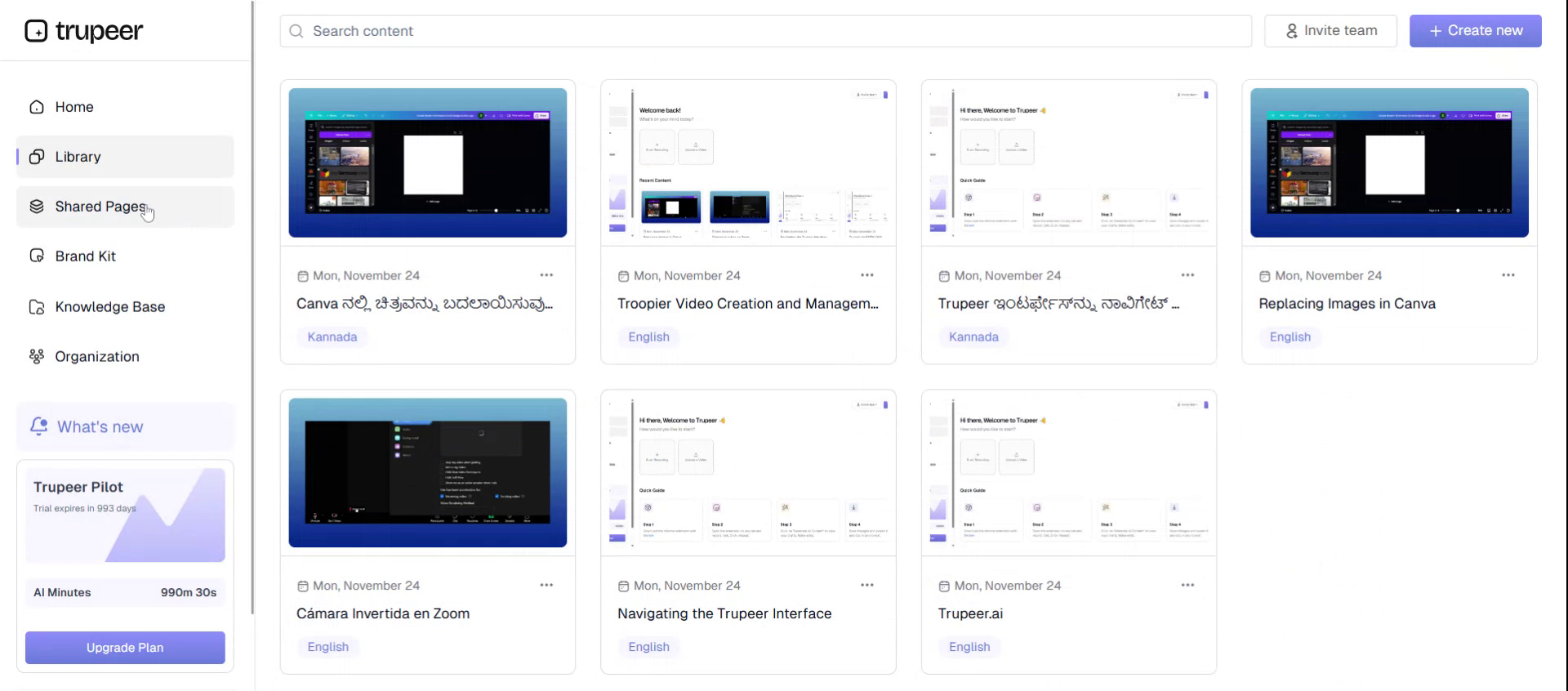
Navigate to the Shared Pages section to view all pages that have been shared. This area lists all the shared pages you and your team have created.
Step 3: Open the Pack Kit#
Go to the Pack Kit section to manage creative and media assets used in your projects.
Step 4: Explore Voices in the Pack Kit#
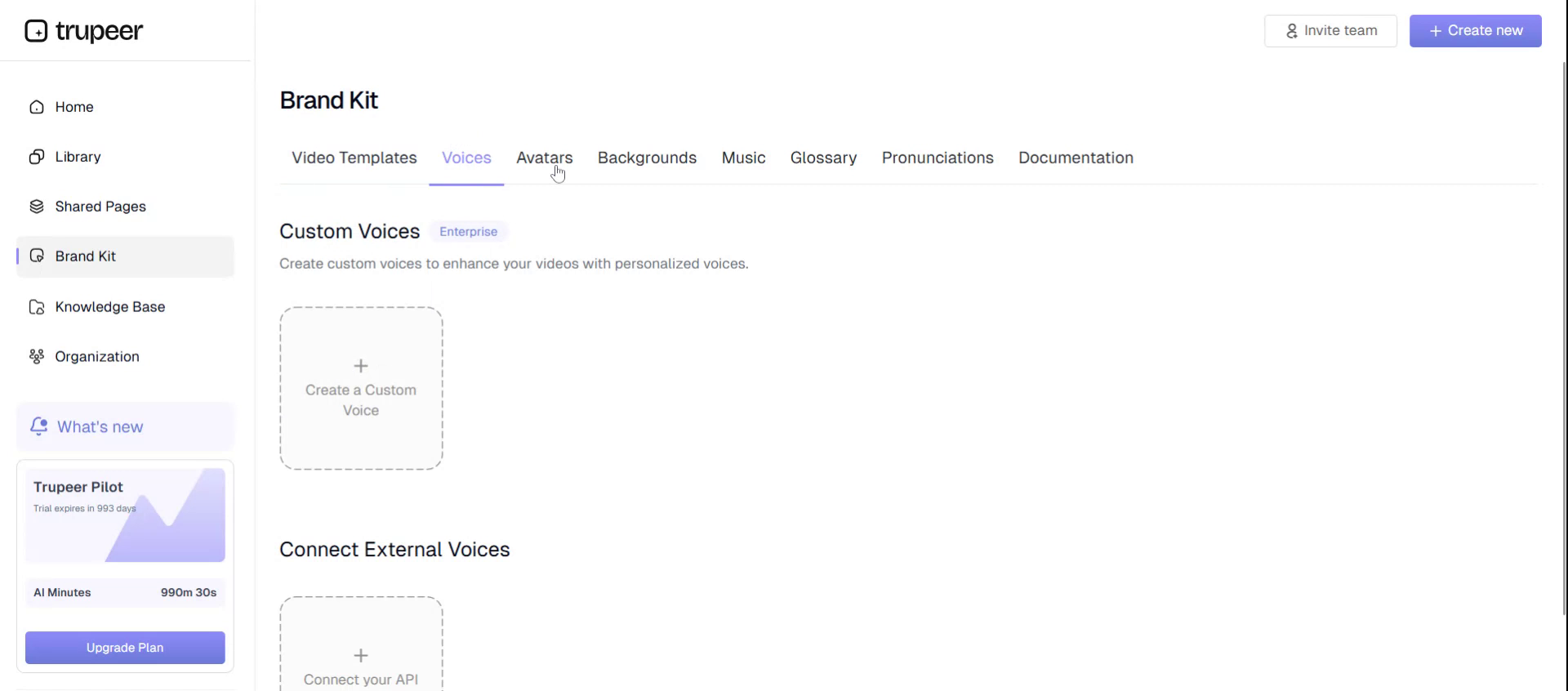
Within the Pack Kit, open the Voices area to browse and manage the available voice options for your content.
Step 5: Explore Other Assets#
Next, open the Others section inside the Pack Kit to view additional asset types that can be used in your projects.
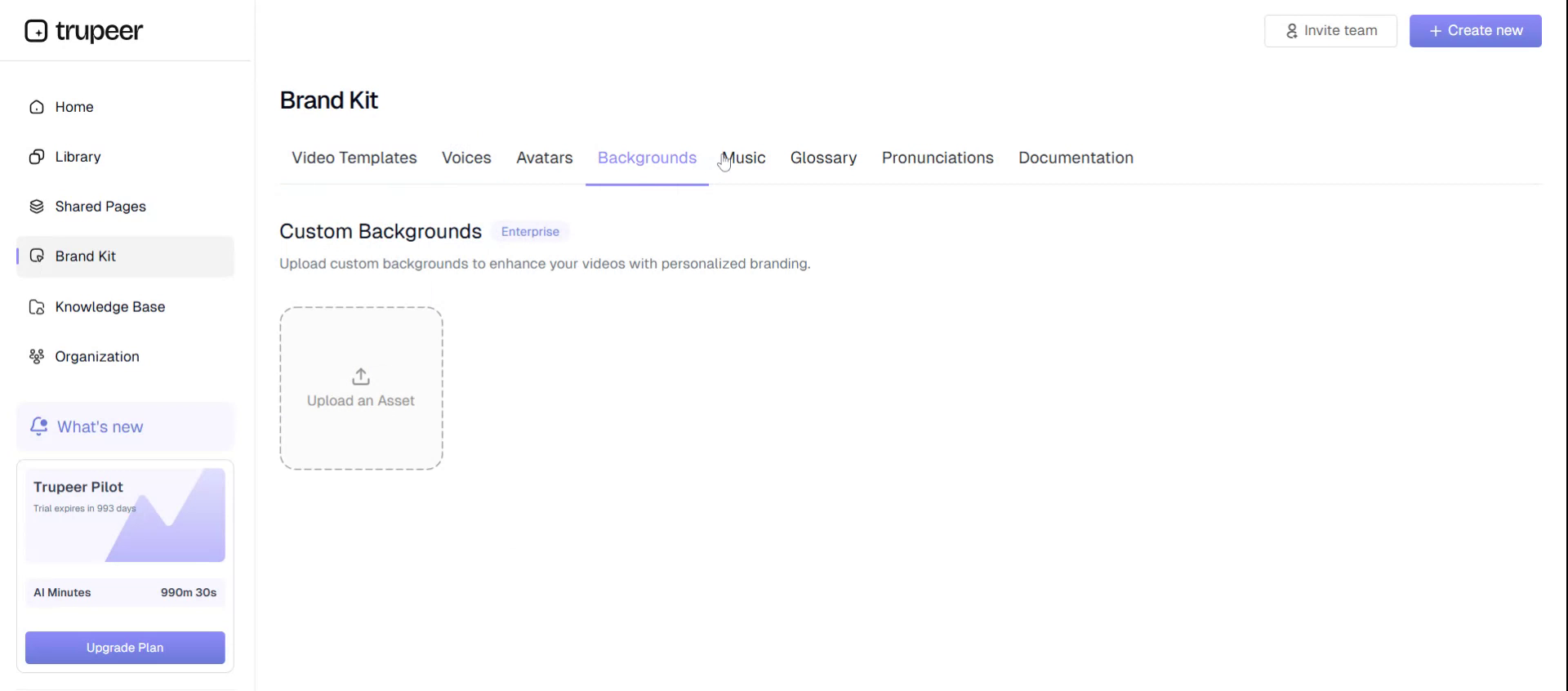
Step 6: Browse Backgrounds#
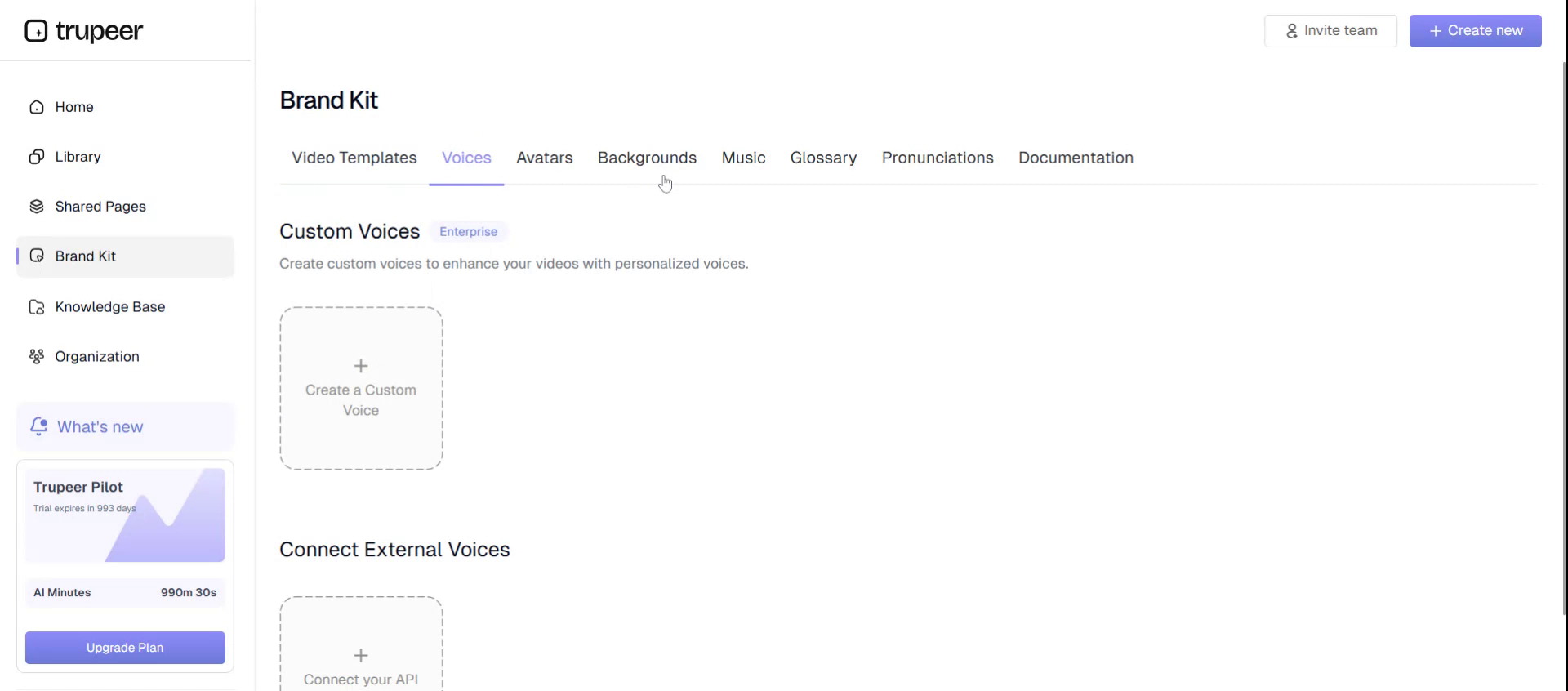
Select the Backgrounds category in the Pack Kit to choose from available background options for your pages or videos.
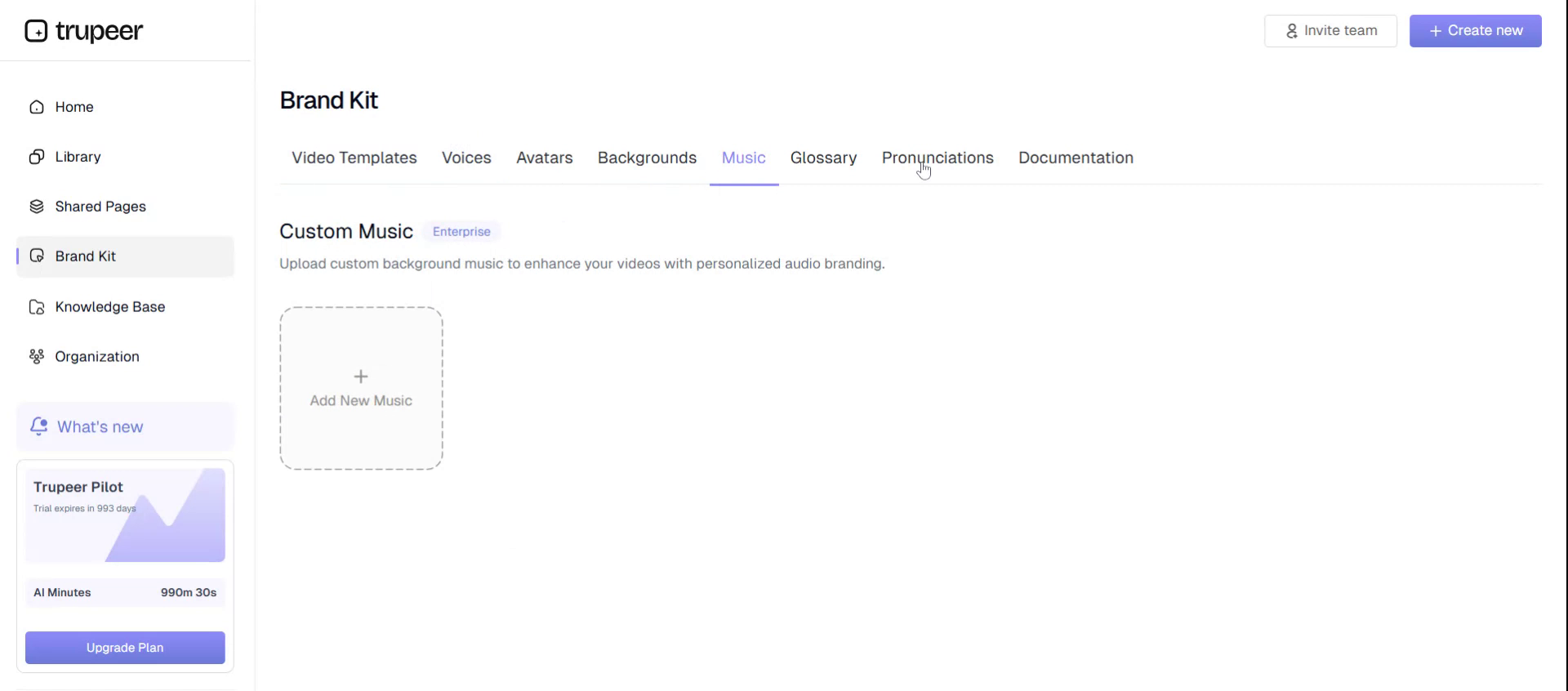
Step 7: Manage Music Assets#
Open the Music section in the Pack Kit to review and select music tracks that can be applied to your content.
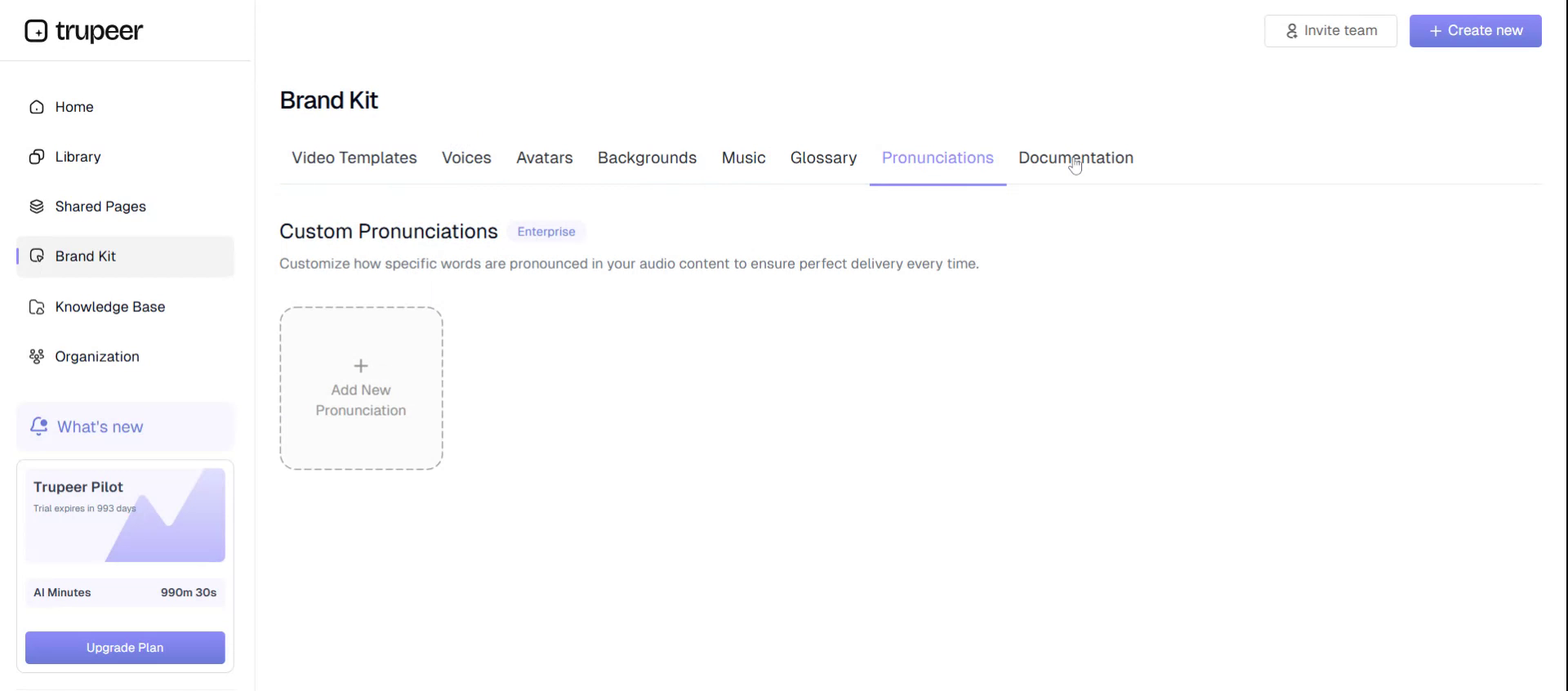
Step 8: Work with Translation Tools#
Go to the Translation area to access translation-related tools and settings for localizing your content.
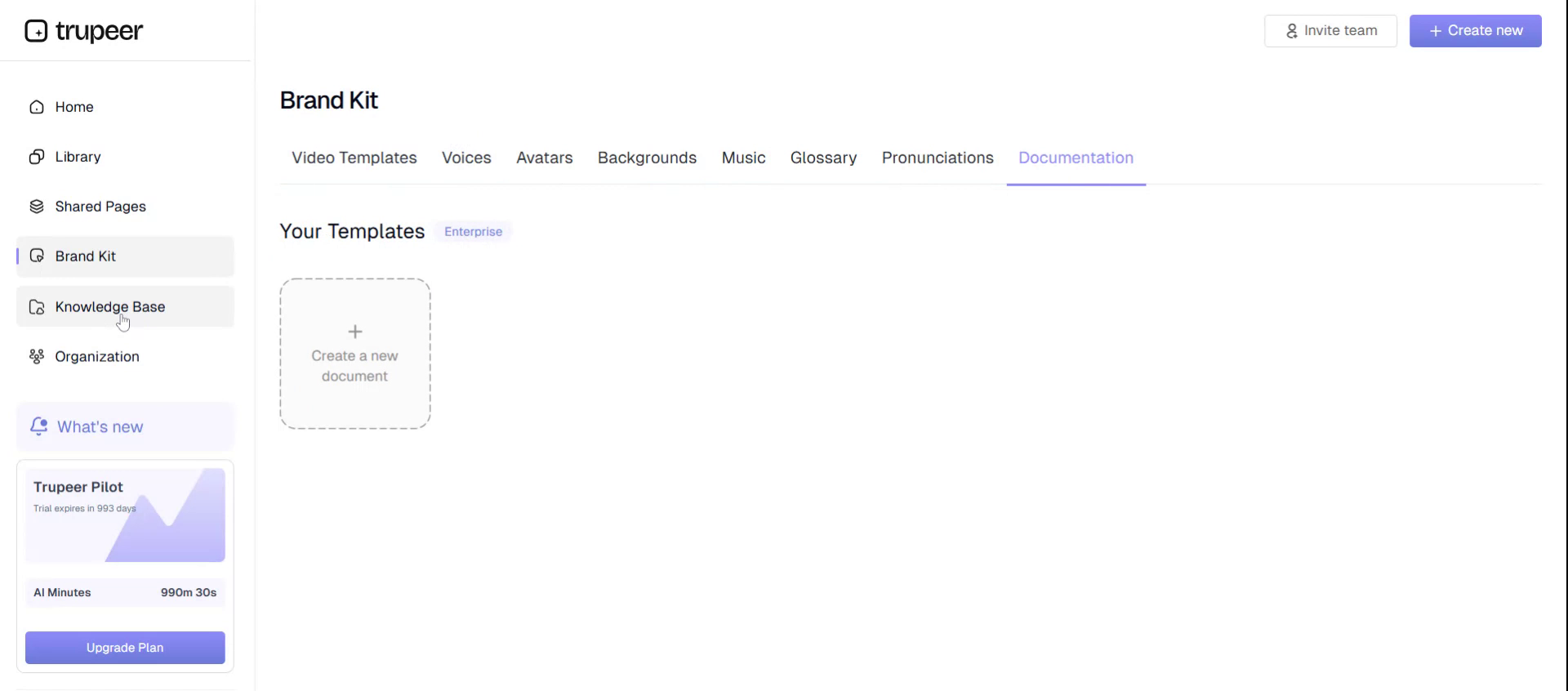
Step 9: Access Document Resources#
Open the Document section to view and manage any documents associated with your Troupier projects.
Step 10: View Olby and Knowledge Base#
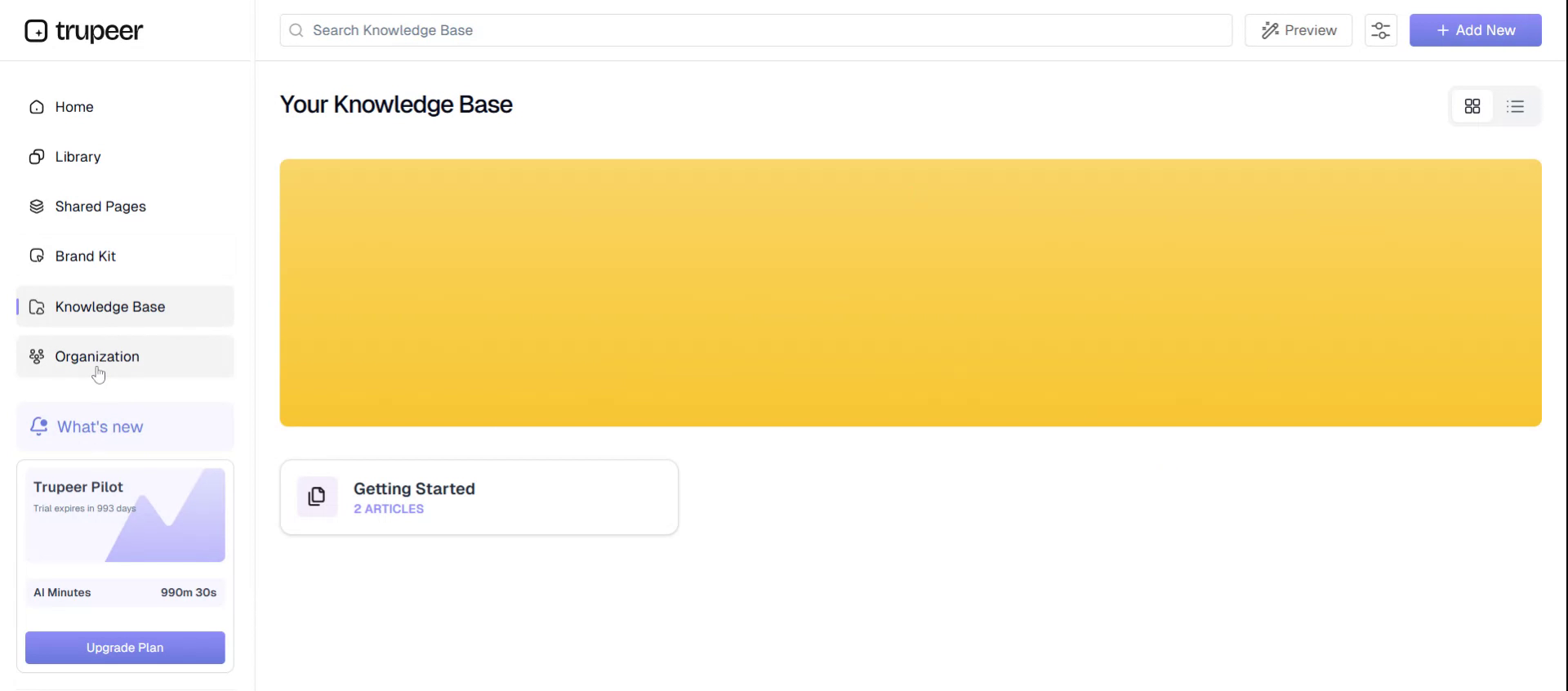
Navigate to the Olby area and the Knowledge Base. The knowledge base shown here is already created and can be used as a reference for information and help resources.
Step 11: Check Organization and Members#
Open the Organization section to review organizational settings and see the list of members associated with your Troupier workspace.
Step 12: Return to the Homepage#
When finished exploring these sections, you can return to the Troupier homepage.